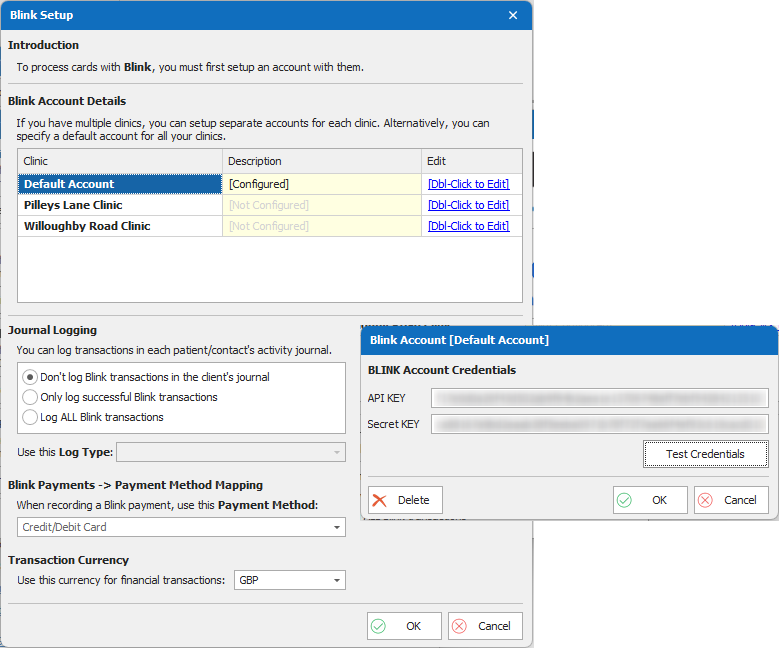
How do I set up my payment provider in ClinicOffice?
If you have already set up an account with one of the integrated payment providers and would like to use it within ClinicOffice, please follow the steps below:
-
Click the View tab, then select Program Settings.
-
Click the Global Settings tab.
-
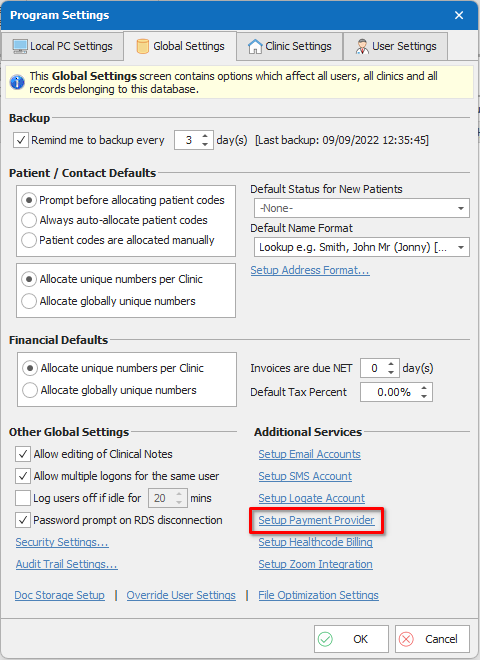
Click the Setup Payment Provider link (located at the bottom right of the window).
-
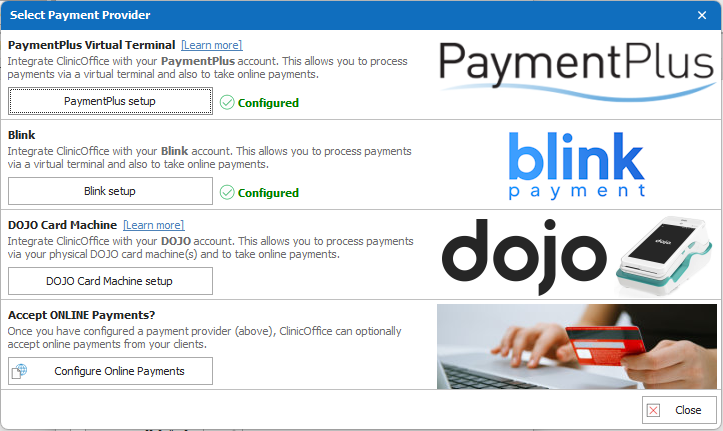
Select the payment provider you wish to update.
-
Double click the ‘Dbl-Click to Edit‘ buttons reveal the window in which you will need to put your account details.