
The Password protecting patients feature allows you to protect individual patients records by a password of your choice, this will allow you to restrict not just the patients record file but also the clinical records if needed. To use this feature please follow the instructions below.
You will find the new feature on the ribbon bar once you have opened a patients record.
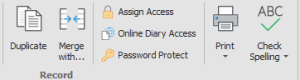 Once you click on the Password Protect button you will be prompted with a new window.
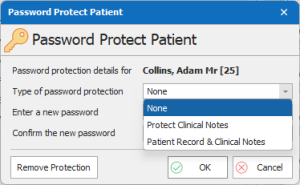
In this window you will be able to choose what level of protection is needed. once you have done that please just fill out your password and all is done…
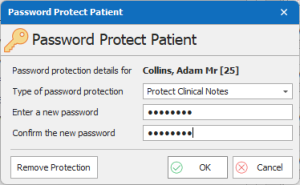
⚠ Please note if the password is lost there will be no way to access the records that have been restricted by this feature. We highly recommend the use of a password manager as a secure way of keeping this information.